
Pinterest has been quietly flagging certain pins, and it could be affecting your traffic without you even realizing it.
The problem? Pinterest doesn’t notify you when this happens. You could be losing visibility right now and have no idea why.
I recently ran across a brand-new free tool that checks Pinterest accounts for flagged pins. I tested it on my own accounts, and what I found was very educational. But before I get into that, let’s talk about what’s actually happening behind the scenes on Pinterest.
Quick Navigation
How Pinterest Accounts Get in Trouble
I was listening to the Pin Talk Podcast with Tony Hill and Carly Campbell, specifically the episode “Is Your Pinterest Account Banned or Shadowbanned?”, and they broke it all down.
Tony is the founder of Pin Clicks, which has made Pinterest growth a lot simpler for me. I’ve been sharing about it in recent emails, and I’ve heard back from many of you that you’re enjoying the tool.
Here’s what you need to know from the podcast episode:
Pinterest has multiple types of “bans.”
- Full account bans (your account is deactivated) and domain bans (all links to your website)
- Shadowbans (pins stop getting seen) and flagged pins (internally marked as problematic, reducing their visibility)
What causes pins (or accounts) to get flagged? Pinterest may flag pins due to certain keywords, repetitive pinning behavior, AI-generated images, or user reports, even if the content is harmless.
The big problem is that Pinterest doesn’t notify you when a pin gets flagged, meaning your account’s reach could be quietly reduced without any warning
In many cases, the impact extends beyond individual pins to affect your entire account.
A Free Tool to See If Pinterest Has Flagged Your Pins
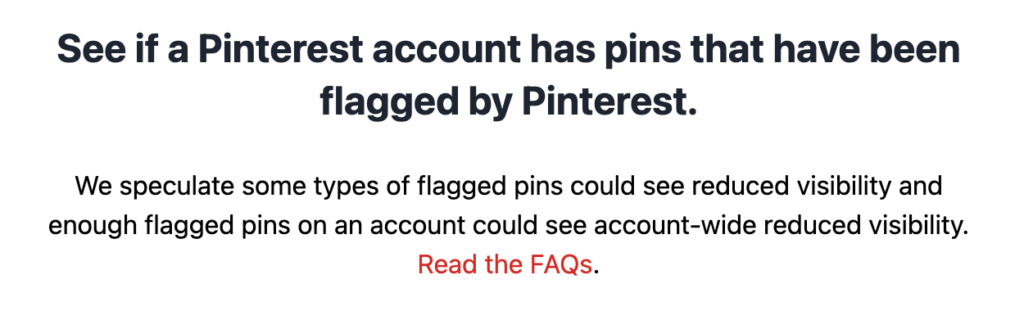
After learning about this, I tested Flagged Pins Checker—a brand-new free tool that scans your Pinterest account for flagged pins.
- Enter your Pinterest username.
- The tool checks your account for flagged pins.
- You get a full report via email.
It takes 30 seconds. It’s so simple that we’re thinking about incorporating it into our services for Pinterest that my agency will be launching soon.
I Ran This on My Own Account—Here’s What I Found
You get a CSV and it tells you the flagged pin, title, and description. Thankfully I didn’t have that many, and my overall “flagged percentage” was very very low.
Here’s what I found:
- I had multiple flagged pins that I had no idea about.
- Several were flagged due to sensitive words—Pinterest’s system detected specific terms, even though my content was completely fine.
- Others were flagged with no obvious explanation.
- I took my flagged pins report and analyzed it using ChatGPT.
- ChatGPT helped me identify patterns—certain words, topics, and styles of pins that Pinterest was marking.
Now, I know exactly which words to avoid and how to adjust my Pinterest strategy moving forward.
What You Should Do Next
Given how quick it is to run your account through the checker, I would:
- Run your account through the flagged pins tool—see if Pinterest has been limiting your pins.
- Analyze the flagged pins—are there common themes in the flagged content?
- Adjust your Pinterest strategy—change wording, pinning frequency, or content types to avoid getting flagged.
If your pins are flagged, you may be losing traffic. And if too many get flagged, your entire account could be at risk.
Run the free tool now and find out if your account is affected: Check Your Pinterest Account
Let me know what you find—I’d love to hear your experience.