
Worried I got you with the click-baity subject line there? Don’t worry, it’s true on this one. I’m good for it 👇
My approach to Amazon Influencers has always been 80/20… I want the simplest, fastest method.
I don’t do thumbnails, don’t research product carousels, I just make a lot of videos. I make sure they’re good videos, because I have a process I follow. But I also keep things very simple.
Which is why I’ve avoided Creator Connections. So much work and hassle. Until now.
I want to walk you through my new Creator Connections process to get free products that easily rank in the carousel and are best sellers. And it’s super fast and easy. Just how I like it to be.
I added this to my daily Creator Connections workflow to ensure that I’m maximizing revenue from my current Shoppable Videos and traffic.
But first, I’ll outline “the old way”, which is why I never bothered. So, read on to see if this might be your new approach to the Amazon Influencer Program.
The Old Way: Manual Creator Connections Process
For starters, there is a LOT going on inside of Creator Connections, and its overwhelming. But, lets say you were searching for a specific product to target.
Let’s walk through what that looks like using “toy blocks” as an example.
You search “blocks” inside Creator Connections… 881 campaigns come up…
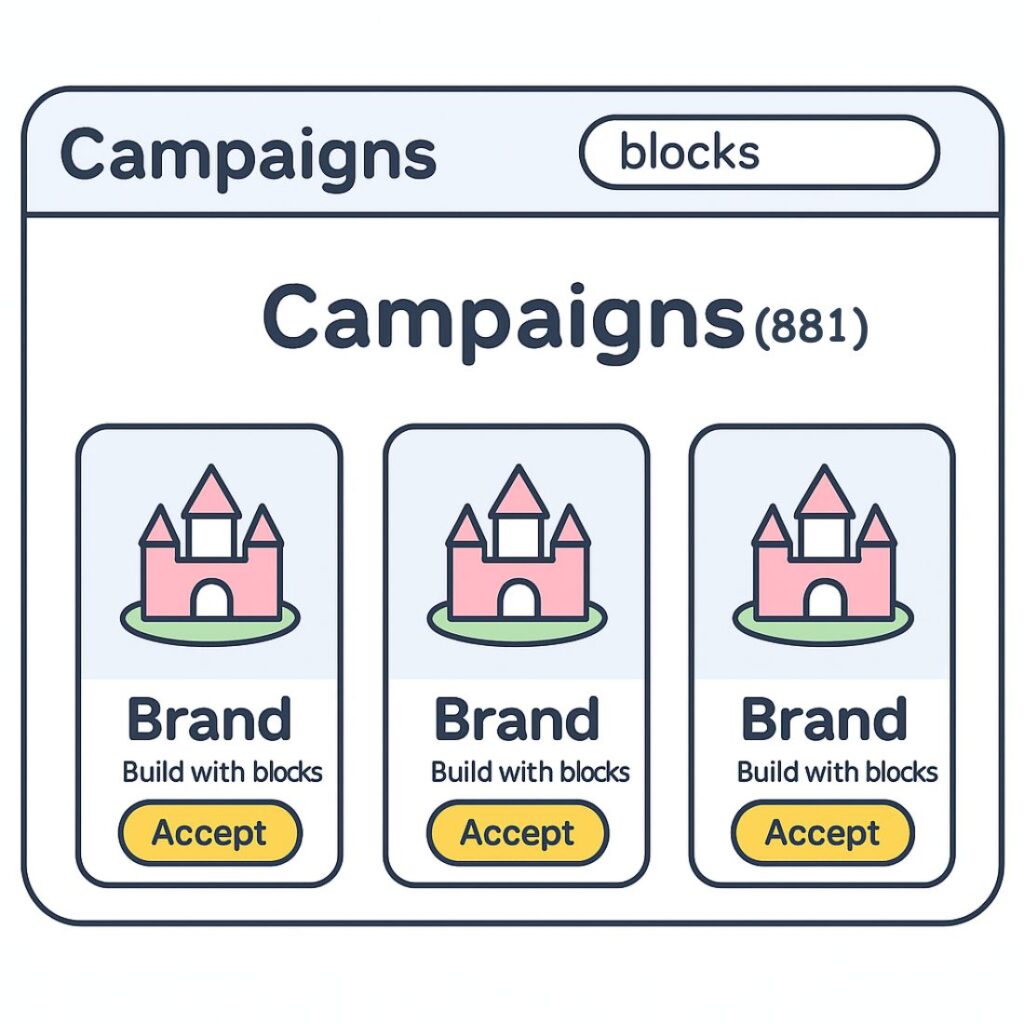
So, you could scroll through 881 campaigns manually, looking for ones you “think” might do well.
When you find one, you click into the “Campaign Details”, and scroll down to the products to get a better idea of the actual product and basic info (rating and price)
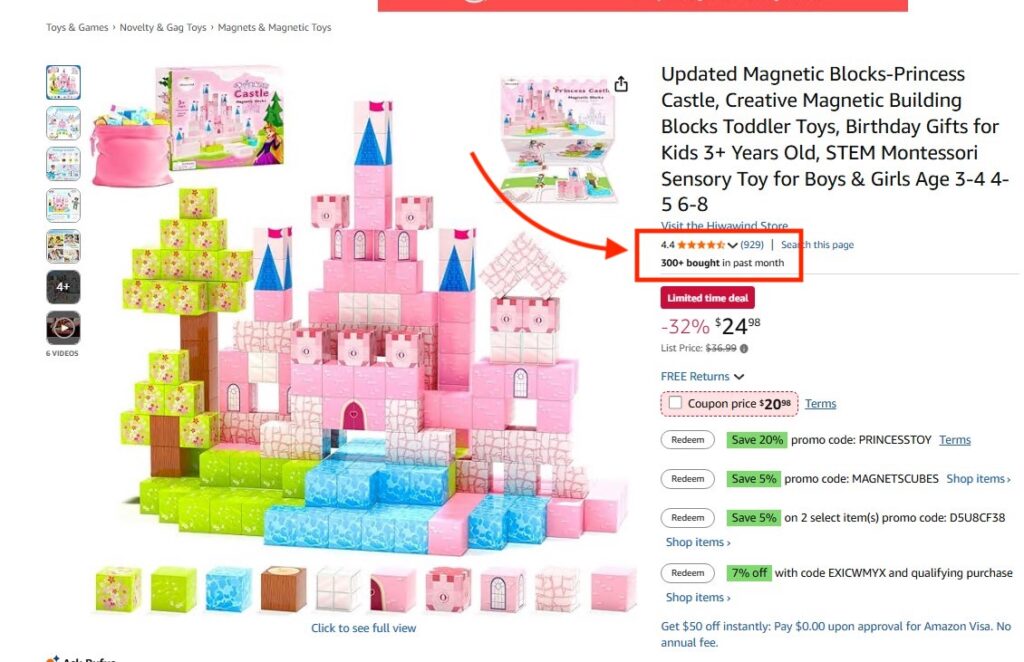
You might even open each product listing one by one to review the product in more detail to see if it’s a legit looking product and has any other sales data.
In this example, you can see this set of blocks has been bought 300+ times in the past month, and it has almost 1k reviews at 4.4/5. That’s a good selling product.
IF you decide it’s worth reaching out to, you head back to the Campaign Details and click on “Message Brand” to manually write them a message and ask for a sample.
That was just for one product. Imagine having to do that 880 more times.
If you were to actually go through all 881 campaigns, that’d be dayss of your time.
So, now you know why I’ve never been a big fan of reaching out to brands for free products. The juice was never worth the squeeze (for me). Until now 👇
The Easy Creator Connections Method Using Viral Vue
A month ago or so, my business partner Kaitlin asked me if I had used Viral Vue for our Amazon Influencer account. One deep rabbit hole later, we put together a process. Over the last month, we’ve refined it. And now I’m ready to share it with you! And, it takes minutes rather than hours.
Same goal: find high-converting products inside Creator Connections, but do it without guessing and wasting your time.
The Viral Vue way:
- Search “blocks” inside Creator Connections. Same 881 results.
- Click “Open Product Vue” at the top.
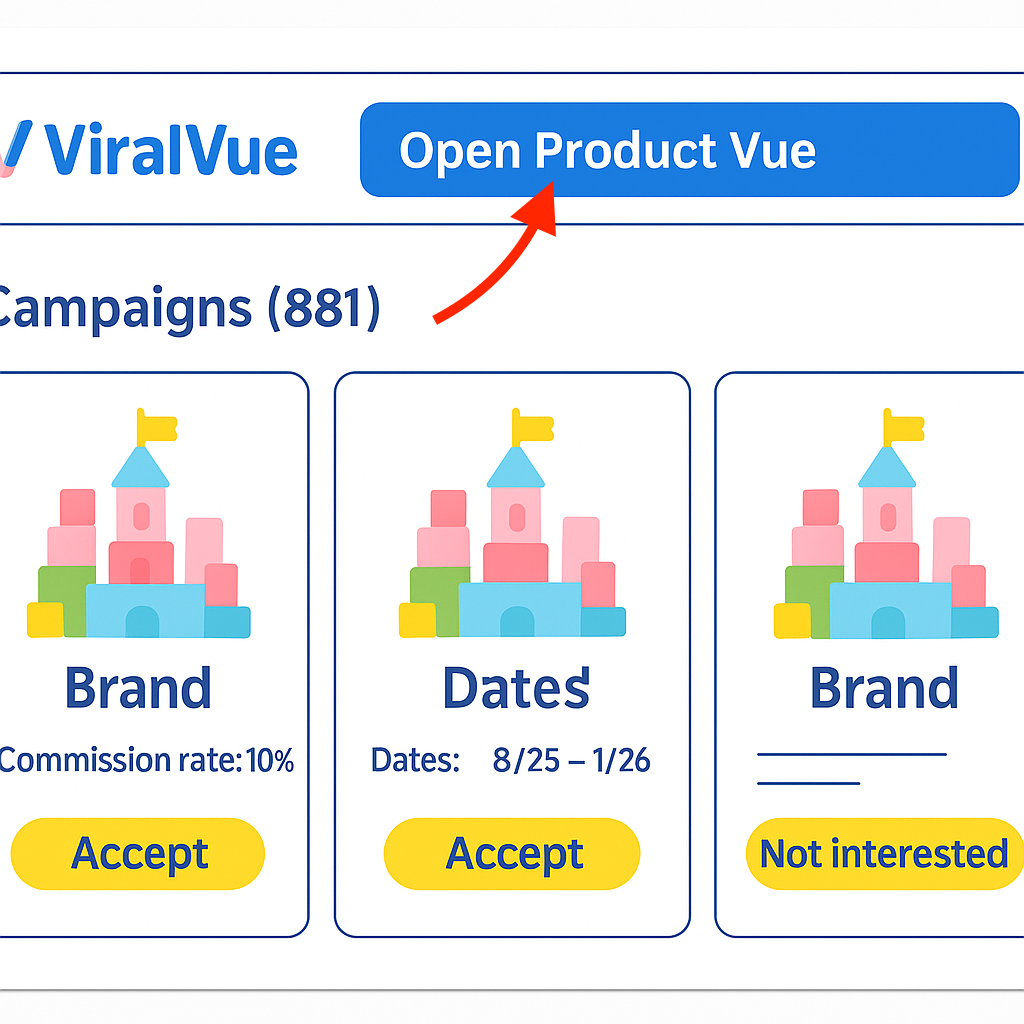
- Now you’re not just seeing campaigns, you’re seeing real product data.
- Sort by “Viral Score.” This ranks the products based on performance signals that matter, things like sales velocity, video count, and revenue.
- Evaluate the top results instantly.
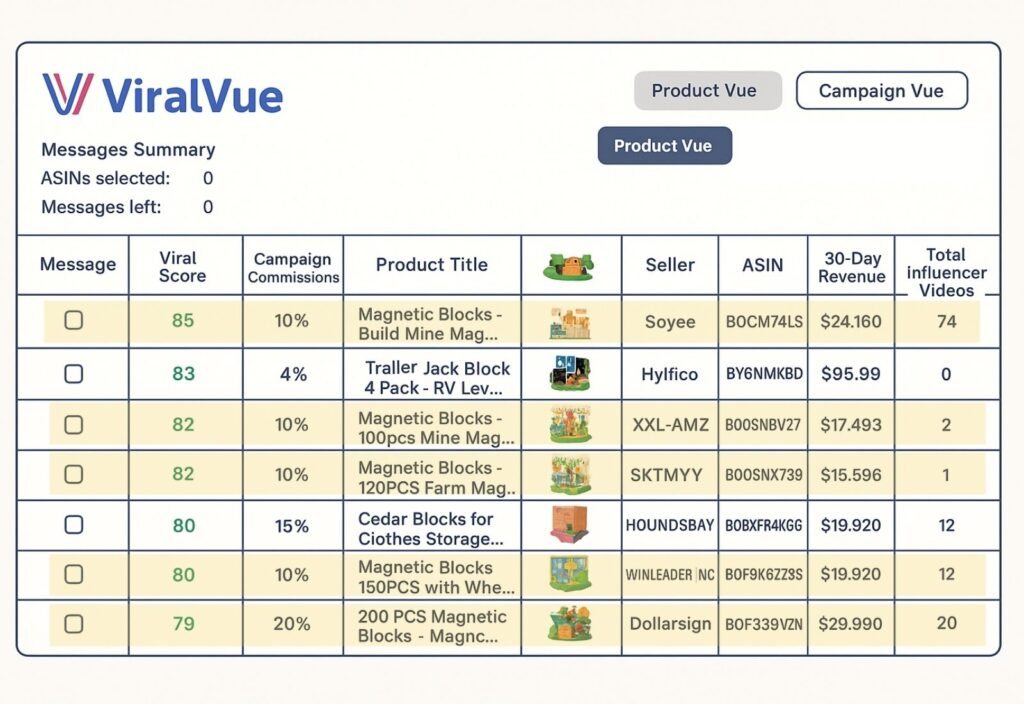
- For example, just from the initial top results, there are 5 good opportunities to reach out to. One magnetic block product shows a viral score of 85, a 30-day revenue over $24,000, and 74 influencer videos. That’s a hot seller. Potentially competitive, but worth considering if you can show up on the carousel.
- Another with a viral score of 85 shows $17,000 in 30-day revenue and only 2 Influencer videos. That’s an opening. You have proof that it sells and very little creator competition.
- Right below that, there’s another great opportunity, selling over $15,000 in the last 30 days, and only 1 Influencer video. Jackpot.
Scroll a bit further and find more products with high scores and low video counts. These are perfect targets.
No guesswork. No clicking through 881 listings. You’re now looking at actual product winners that you can pitch in under a minute.
- Check the message box next to the products you like.
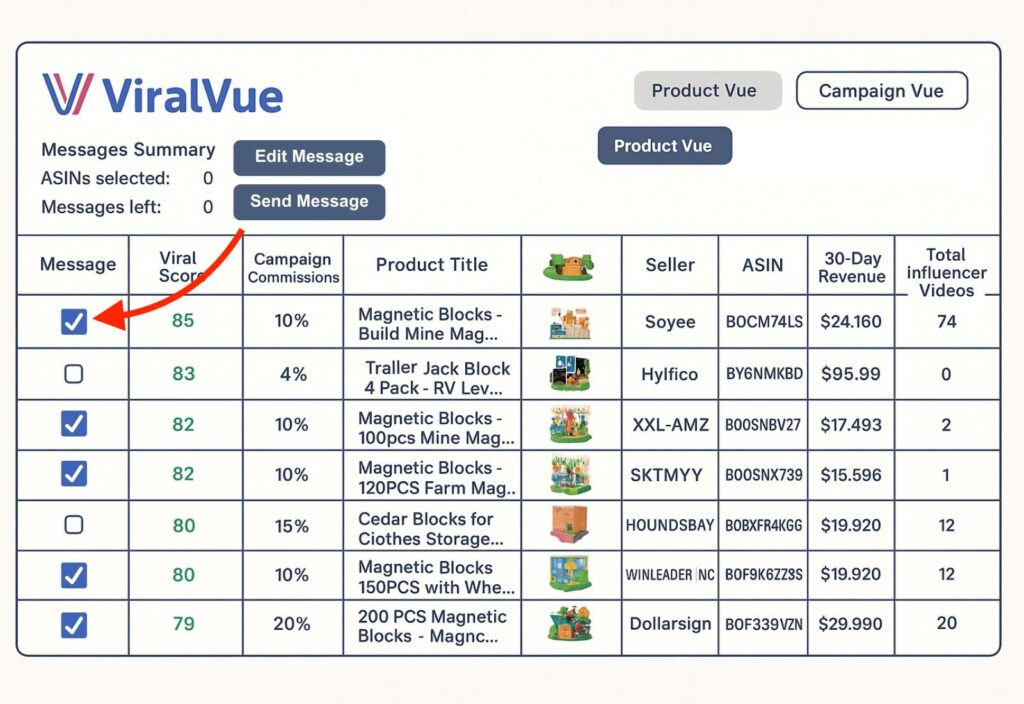
- Hit “Send Messages.” Viral Vue sends outreach messages automatically using your saved template.
You’re done. You’ve identified multiple high-performing, low-competition products and messaged the brands, all just a couple of minutes. Now, obviously not all brands will send you products for free. Not even close. So its a bit of a numbers game.
And don’t forget this final piece… these are all products on Creator Connections… so the commission on any sales is usually between 10-25%! MUCH higher than the standard 2-4% from traditional Influencer on-site videos.
Many are combining this strategy by then reselling these products after they make the video. Again, here is the TLDR:
- You’re getting the product for free
- If you’re smart about it, you’re getting products that have a high chance of getting in the carousel AND selling
- You’re getting ~10x commissions because they’re on Creator Connections
- Then you’re making 40-50% of the product price through reselling
Our results? One month in, we’ve received 37 products, worth $3,069. Our Creator Connection earnings have gone up 5.8x.
We’ll see if I have the stomach for reselling products locally. I’m not sure if that’s up my alley.
The Amazon Influencer program is moving more and more towards Creator Connections. That bad news is that it isn’t quite as simple to make money as when I first started. The good news is that it opens up a lot more ways to earn money inside of the Influencer program.